
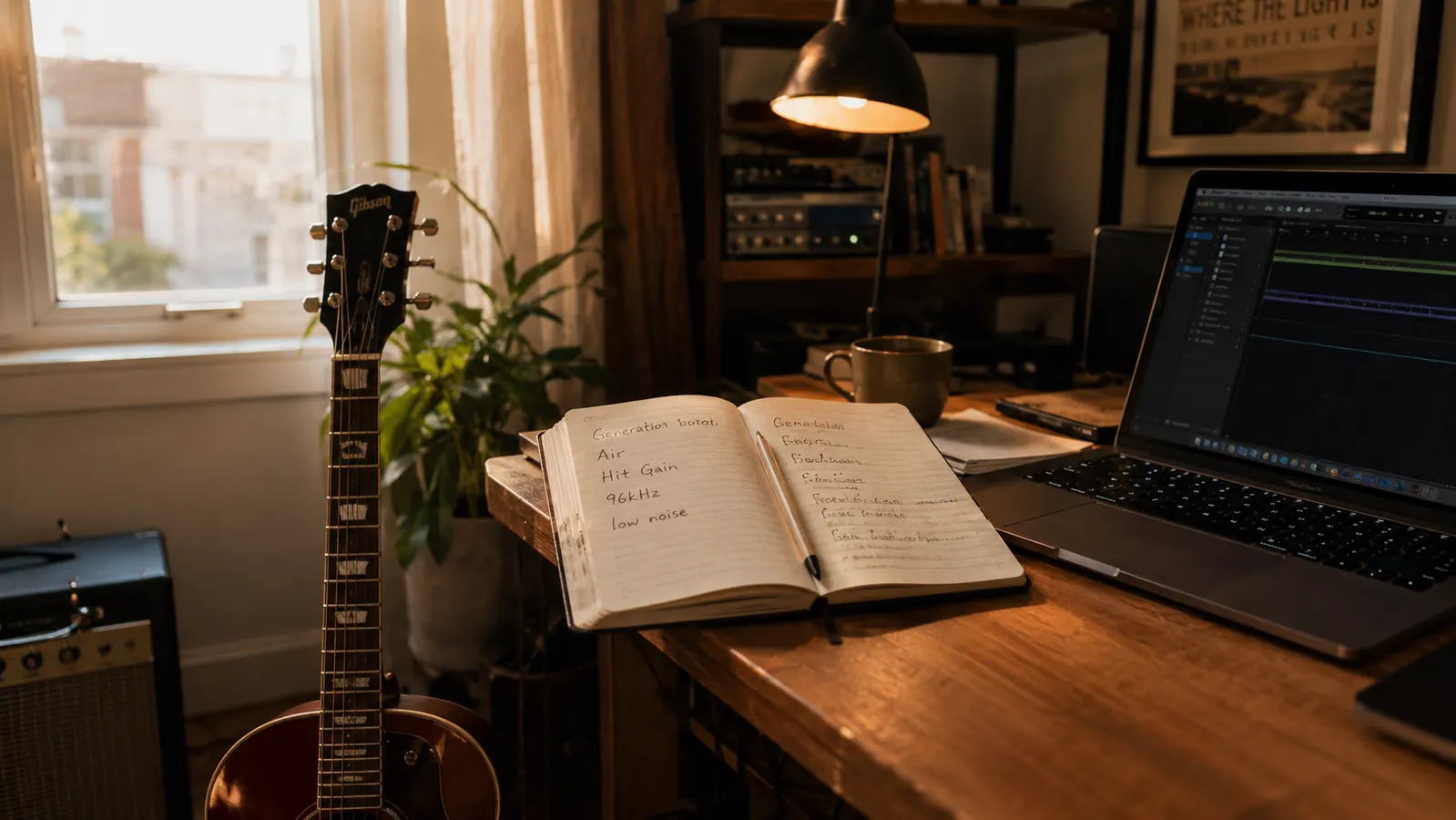
I used to record my students' run-throughs on my phone so they could hear what they actually sounded like. By the time the playback rattled out of a phone speaker, the take had a compressed, edge-heavy quality that made a decent run sound like it was recorded inside a coffee cup, and more than one kid shrugged and said 'that doesn't count.' You cannot hear time, rhythm, or tone through that kind of crunch, and for weeks I fixed every other part of the problem before I touched the part that mattered.
A year and roughly four hundred lesson playbacks later, that interface is still on my desk, and it is still the piece of gear I would replace first if it died tomorrow. I'm a guitar and keys teacher, so this is the long-term review: what it is like to live with the Focusrite Scarlett Solo 4th Gen for a full twelve months of weekly lessons, student demos, and weekend band rehearsal.
The Quick Verdict
The Scarlett Solo is the interface I hand to every student who wants to record at home: two clean inputs, zero-latency monitoring, and a build that takes daily use. A beginner's recordings come out good enough that they stay proud of their first takes for years, and the separate instrument input means the same box records voice and guitar together without another purchase.
Amazon Check Today's Price →Hear what your students actually sound like.
The Scarlett Solo has been the first real microphone setup for more of my students than I can count. This is the same 4th Gen unit that has spent a year on my desk recording lesson playbacks.
Amazon Check Today's Price on Amazon →How I've Used It
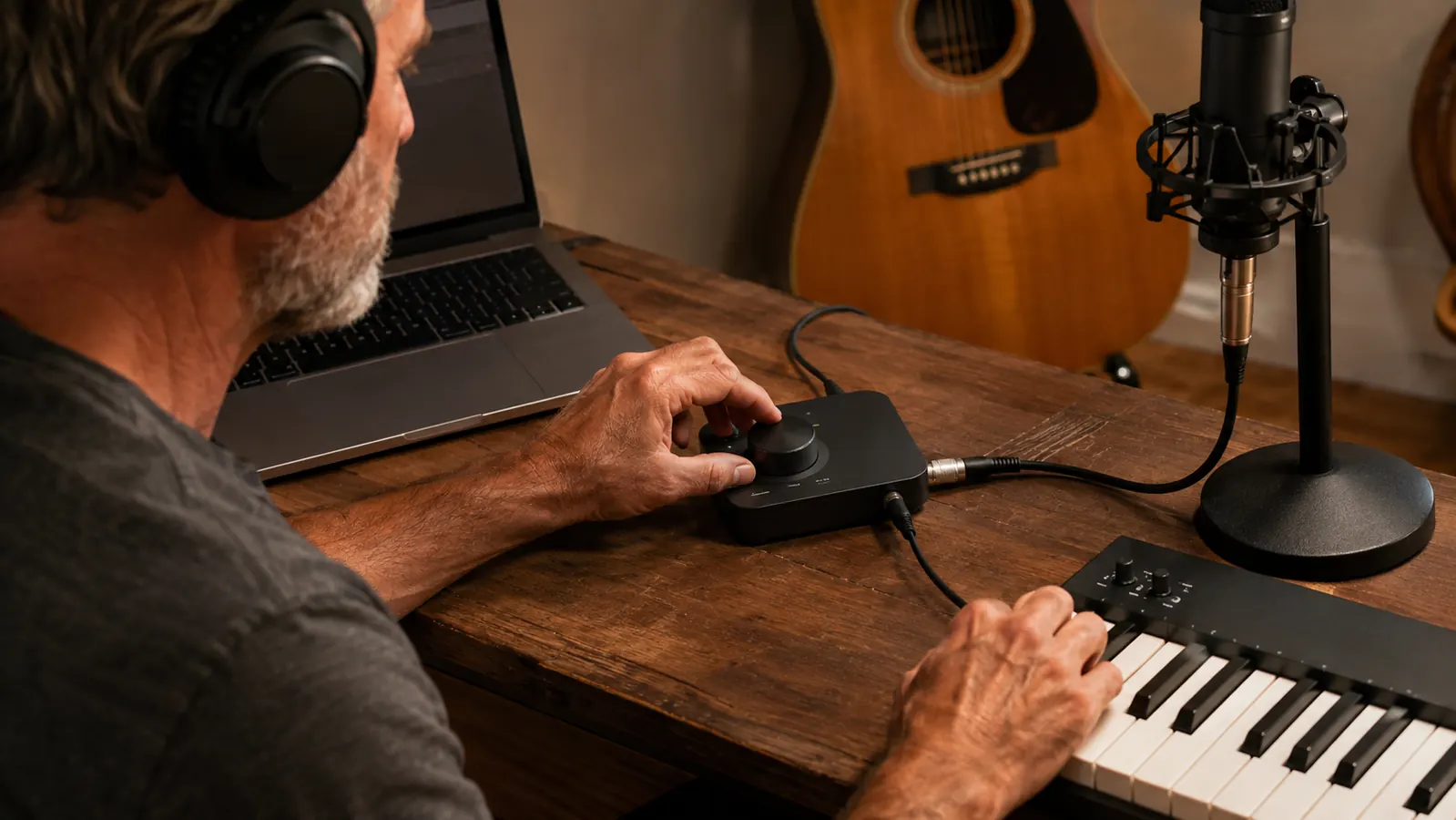
The setup has been the same since week one. Input 1, the combo jack, takes a condenser microphone on a boom stand, and the 48V button on the unit feeds it phantom power. Input 2 takes the direct output of an acoustic-electric guitar or a bass, so a student can sit down with an instrument and a microphone and record both at once with nothing else in the signal chain.
A typical Tuesday runs like this: a student plays a piece, we press record, they listen back, and the playback becomes next week's assignment. Along with lesson playbacks I have used the Solo for basic student duets, quick vocal demos, and our band's three-part rehearsal recordings that we email around before a gig. The software that ships in the box, which includes a full-featured track program, has been enough for every one of those jobs.
The other thing I do with it is cut simple backing tracks for practice, guitar on input 2 and voice on input 1 in one pass. Two tracks at once is the Solo's whole promise, and for a teaching studio it is exactly the right promise.
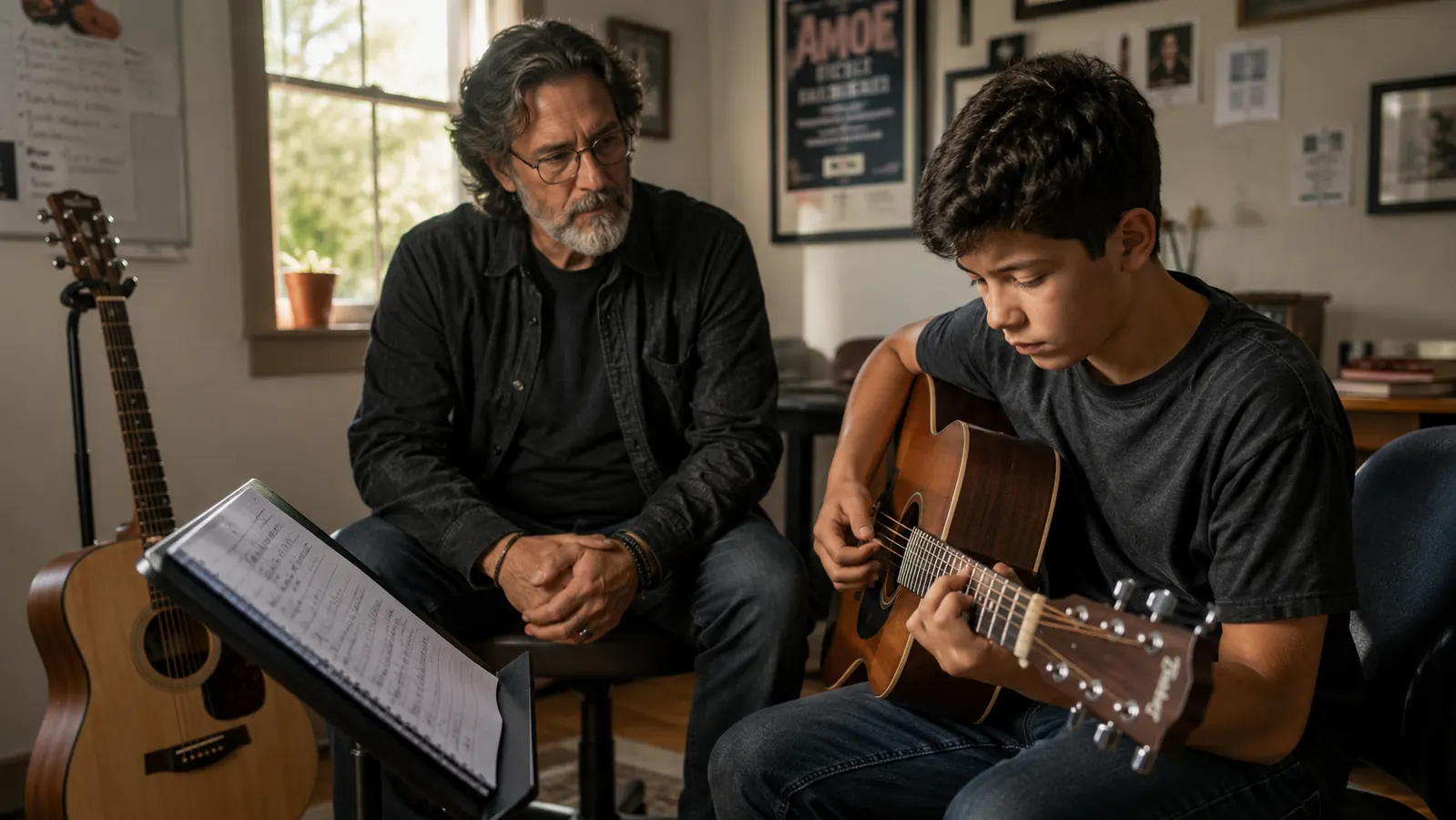
One student sold me on those two inputs for good. Marcus, fourteen, had recorded his chord progression with the guitar on input 2, then armed the microphone on input 1 and sang his vocal take right over the playback while wearing the phones, hearing the whole arrangement in his own ears while the Solo captured the new voice track cleanly underneath. He walked out with a finished demo instead of a folder of loose ideas. That is what the Solo does well: it takes a young player from a good idea to a completed recording in one session, and watching that happen is my favorite part of the job.
Recording students has a side effect I did not predict: it makes them practice on purpose. This spring, two of my guitar students prepared audition recordings for their school's performing arts program, and the Solo sat between them and my laptop through a month of weekly retakes. Each take went into a dated folder, so they could hear week-over-week progress in a way no 'you really improved' from me can match. We redid one take for a phone down the hall and one because a student burst out laughing mid-song. Neither was the interface's fault, and both were back on track inside twenty minutes.
What the 4th Gen Gets You
The 4th Gen update to the Scarlett Solo tightened the things that matter for a first interface, and it helps to know them in order. First is Air mode, a single switch on the front that tilts the high frequencies up a touch around the vocal range. Focusrite ships it turned on. For spoken teaching notes I leave it off, and for student vocal takes I leave it on, where it pulls a little clarity out of a mid-priced condenser that has been softened by a bedroom's carpet and curtains. It is a gentle shelf, not an effect.
Second is the gain control, and this is the part I explain to new buyers. The ring around each gain knob lights as you turn it, green when the level is healthy and red when the input is clipping. When a student has pushed the level too hot, one press on the knob resets to a clean starting point, a feature Focusrite calls Hit Gain. In practice it means you stop fiddling with your fingertips mid-lesson and just start over clean.
You also get a real 48V phantom power button, and it matters because the condenser microphones beginners buy almost all need it. I show new students where it is before they touch the mic, since a condenser that is not phantom-powered is just quiet and confusing. On the Solo the switch is marked plainly, which is not true of every box at this tier.
The Solo does not care what microphone you hand it, within reason. Over the year I have run a cardioid condenser for most vocal takes, a small-diaphragm condenser for acoustic strings, and a plain dynamic for the kid who sings loud enough to fill a gym. Each needed different gain, and the ring made that easy to find, but all of them came up clean on the first take. The preamp does not make a humble mic sound expensive, and it does not embarrass a better one.
Third is the recording spec. On the data sheet the Solo records up to 96kHz at 24-bit, and the preamps are rated for low noise. I teach that the bit depth matters more than the sample rate and that 48k covers everything we do; the 96k ceiling is for later, when someone takes the same file into a bigger project. The honest measure, in a quiet room with the gain up, is that the noise floor is genuinely low. Fourth is the connection itself: USB-C on the unit, and the cable in the box runs straight to a modern laptop, so nothing extra has to be hunted down.
Focusrite's marketing calls the Scarlett the world's best-selling interface brand, and the practical effect of that popularity is real. Every recording program knows this unit by name, the tutorials are endless, and when a student owns one I can troubleshoot it in my sleep. There is real value in buying the thing everyone else already owns.
A Year of Daily Handling
Durability is the part that never shows up in the product photos, and it is the part I actually have long-term answers for. This box has been moved between my teaching desk and my gig bag every week for a year. The knobs still turn with the same resistance, the ring lights all still light, the USB-C port has not loosened, and the switches click cleanly. Student hands turn the gain knobs too, and the unit has survived those smaller, more enthusiastic fingers without complaint.
The one thing I do is unplug it properly instead of yanking the cable, and I coil the USB-C cable when it goes in the bag. That is the entire maintenance routine. I have not once had to restart it mid-lesson, and I cannot say that about the cheap USB sound dongles the same students showed up with at first.
The software side has been as quiet as the hardware. My teaching laptop opens and closes a dozen times a day with the Solo left connected, so I have seen every way a computer can doze, wake, and lose power. Not once have I reopened the lid to find the interface missing from the audio list or the sound settings scrambled. The machine and the interface remember each other, and that quiet reliability adds up across a school year more than any spec on the box.
On the road the Solo pulls its weight too. It rides in the front pocket of my gig bag with the cable coiled beside it, powers itself off the laptop's USB-C port, and drives my phones so the whole band can monitor playback while we run a new setlist. When a band is trying to learn the changes to three songs in one evening, pressing record and hearing it back through the phones on the spot is the difference between a productive rehearsal and a vague one.
For the record, nothing on the unit itself has broken. After a year of daily plugging, the USB-C socket still holds a cable snugly, with none of the wobble cheap sockets develop, and the gain rings and switches feel exactly as they did in week one. The only thing I have replaced is the USB-C cable, after the working end wore down in a gig bag. That is the entire repair record.
The first time a nine-year-old heard his own strumming through a real condenser instead of a phone, he stopped, looked up, and said 'that's me playing it.' He said it three times. That is the whole product.
The Data Sheet and the Ear
Some claims you can test and some you take on faith, and I want to be plain about which is which. The preamp noise figure, the 96k ceiling, the rated numbers: those are data sheet figures, and I have not measured them on a bench. What I have measured, over a year in my teaching room, is this: with the gain up and the room quiet, there is no hiss you have to fight; with a hot vocal the ring goes red before the take is ruined; and the direct monitor switch lets a nervous beginner hear themselves instantly with no delay while the software processes in the background.
What the recordings sound like is the part I care about most as a teacher. The preamp adds no color I can name, meaning what comes back is the student's real tone, warts and all. For a lesson playback that honesty is exactly the point: a kid hears whether the A string went sharp on a bend, whether the chord change was rushed, whether the strumming hand was tense. The Solo does not flatter the performance, and that is precisely why the playbacks work as teaching.
The zero-latency monitoring is the feature that earns the everyday rave, and it is not in the spec list. When a student sings or plays while hearing themselves directly instead of after the computer round-trips the signal, they relax, and a relaxed take is a better take. That switch alone is why I stopped reaching for cheaper options.
Where latency actually shows up for us is play-alongs, and it is why the direct monitor earns its keep. When a student plays along with a recorded backing track through the phones, they hear their own instrument instantly while the software runs the track through its buffer. The measurement that matters is whether ears and hands stay together. In a full year of play-alongs, no student has ever flinched or dragged because the interface was slow. When a beginner swears something feels late, it is almost always technique, not gear, and proving that on the spot is its own lesson.
The Limits, Honestly
The Solo is honest about what it is: a two-in, two-out box. Input 1 is the combo jack for a microphone, input 2 is the instrument jack, and both can record at once, which gives you voice plus guitar or voice plus bass in a single pass. What it does not give you is two microphones, because only input 1 has the preamp with phantom power. A parent who wants to record two voices for a duet, or a hobbyist podcasting with two mics, needs a two-mic interface instead.
There is also no MIDI on the Solo, which matters if you plan to drive a keyboard through the interface. That is not a defect in its class; it is the boundary that defines the product. Within its boundary, everything works, and I have never once wished it were bigger. Most of my students never record more than a voice and a guitar. For the parts I genuinely do not like, my honest review digs in deeper, and my step-by-step first-song guide shows exactly how I walk a beginner through it.
What I Liked
- Two clean inputs: a mono mic preamp with phantom power plus a dedicated guitar and bass instrument input, recordable together
- Direct monitor switch gives zero-latency monitoring, which keeps nervous beginners relaxed through a take
- Air mode and the gain ring make setup beginner-proof; one press resets a clipped input
- Bundled software covers tracking, effects, and editing without buying anything else
- USB-C connection, cable in the box, and a build that survives a year of daily disconnects
Where It Falls Short
- Only one mic input: no way to record two microphones at once
- No MIDI ports for keyboard control
- Two-in, two-out is the hard ceiling, and a growing studio outgrows it
- The 96k and noise ratings are spec sheet numbers; most rooms will never hear the difference
Who This Is For
If you are a player, a singer, a parent of a young instrumentalist, or a student who has been 'recording' on a phone and wondering why it sounds like a phone, the Scarlett Solo is the right first interface. One microphone and one guitar covers voice lessons, practice diaries, demo tracks, and the first year of learning what recording actually takes. It is also the only interface I hand to a student who has never touched recording software, because the buttons are labeled in plain English.
Parents tell me the same thing every semester: they were nervous about software and drivers and 'audio stuff,' and a box with two inputs and clearly marked switches buried that fear. If that is you, buy the Solo, plug in a microphone that suits the voice, and you will press record within half an hour of opening the box.
Who Should Skip It
If you need two microphones at once, a full multi-track session with a drum kit, or MIDI in the same box, skip the Solo and look at a two-mic Scarlett or a larger interface. The Solo is a front door to recording, and like all front doors it is best at letting one person in at a time. Do not buy it hoping to grow into five-mic podcasting next year; that frustration is the sign to buy the bigger box now.
Build your home studio around the interface everyone already owns.
One microphone, one instrument cable, and a Scarlett Solo is a complete recording starter kit. It has been the anchor of my teaching desk for a year, and it is the first thing I point a student toward after our third lesson.
Amazon Check Today's Price on Amazon →