
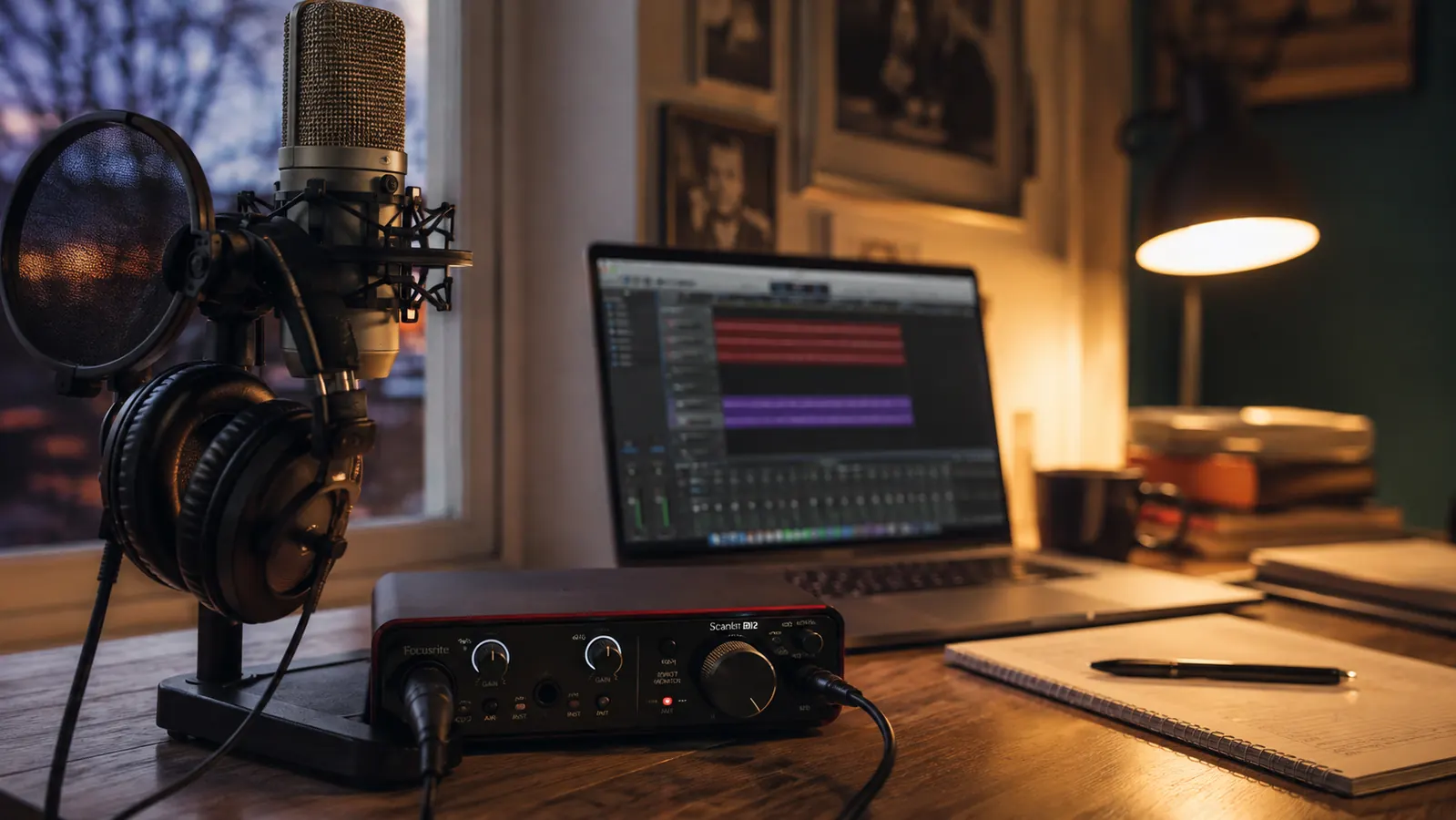
Ask any forum which audio interface a beginner should buy and the answers keep collapsing to two boxes: the Focusrite Scarlett Solo and the PreSonus AudioBox 96. I have recorded through both, every week, in lessons and in my own small studio, and the longer I use them the more I think the decision is far simpler than the spec sheets make it look. If your setup is one microphone and one instrument, which describes most of my students, the Scarlett Solo is the interface I hand over. If you need MIDI, or you want two microphones recording at once, the AudioBox 96 earns its place. Here is the full breakdown, the way I would give it across a desk in a lesson.
How I got here: I teach guitar, keys, and voice, and I record lesson playbacks so students can hear themselves a week later. Listening back to your own playing is the fastest improvement tool I know, so everyone in my studio who is serious about getting better does it. That means a lot of one-mic sessions, the occasional two-mic session for a duet or a two-guitar arrangement, and the steady trickle of keyboard students who want their synth or digital piano running through the computer. The Solo has carried the first job for over a year now. The AudioBox 96 sits on my desk for the days when the second input needs to be another microphone, and for the older student keyboards that still speak MIDI.
If you are reading this, you have probably already tried recording on a laptop's built-in microphone, or held a phone next to a speaker, and you already know why that version of a demo sounds the way it does. A real interface changes that because the conversion from sound to signal happens in its own hardware, away from the noisy guts of the computer. Both of these boxes do that job correctly, and both will still be working long after you stop calling yourself a beginner. What separates them is inputs, MIDI, and the day-to-day feel of living with them, which is what the rest of this article walks through.
| Focusrite Scarlett Solo 4th Gen | PreSonus AudioBox 96 | |
|---|---|---|
| Street price | Usually lists a touch higher at checkout | Regularly the cheaper of the two |
| Mic preamp | Very high clean gain, quiet voices come through without hiss | Good and usable, less headroom at the top of the dial |
| Mic inputs | One combo jack, exactly one microphone at a time | Two combo jacks, two mics in one take |
| Plugging in a guitar | Dedicated instrument jack, just plug in | Flip the line or instrument switch first |
| MIDI | No MIDI ports at all, you would need a separate USB adapter | Full MIDI in and out for keyboards and drum machines |
| Connection | USB-C, modern, cable in the box | USB 2.0 with the older square connector |
| Footprint | Small and light, slides into a laptop bag | A solid slab that takes up real desk space |
| Bundled software | Ableton Live Lite plus a serious plugin pack | Studio One Artist, a complete recording program |
| Best for | Singer-songwriters recording one mic and one instrument | Keyboard players, podcast pairs, anyone who needs two mics |
What Both Do Well
Before the differences, the foundation they share: these are the two most reliable entry-level interfaces you can buy, and both cover the basics properly. Each is bus-powered, so there is no wall wart to lose at the bottom of a bag. Each records 24-bit audio at sample rates a beginner will not outgrow for years. Each has a headphone jack with its own volume knob, phantom power for condenser microphones, and inputs that accept a high-impedance guitar without a separate DI box. Neither will be the reason your first recording sounds bad.
Both also get along with the free software everyone starts on. Plug either one into a Mac and it is recognized immediately, no driver needed, and both work with GarageBand, Audacity, and the free tiers of the bigger recording programs. The real difference comes when you download a program with no price tag and look for bundled tools. That is where the two boxes part ways, and it deserves a section of its own below.
Where the Scarlett Solo Wins
The Scarlett Solo wins on the part of this comparison most beginners actually hear: the sound of one good microphone. Focusrite's preamp has become the reference point at this price for a reason. It delivers an enormous amount of clean gain, so a quiet singer or a nervous twelve-year-old with a dynamic mic comes through without you cranking the dial into the noise floor and chasing a hiss. The 4th Gen adds an Air button that lifts the presence on vocals and acoustic guitar, and it is the closest thing to a shortcut in this price class. Auto Gain sets your input level for you on the first take, which saves the whole is-this-clipping conversation at the start of a lesson.
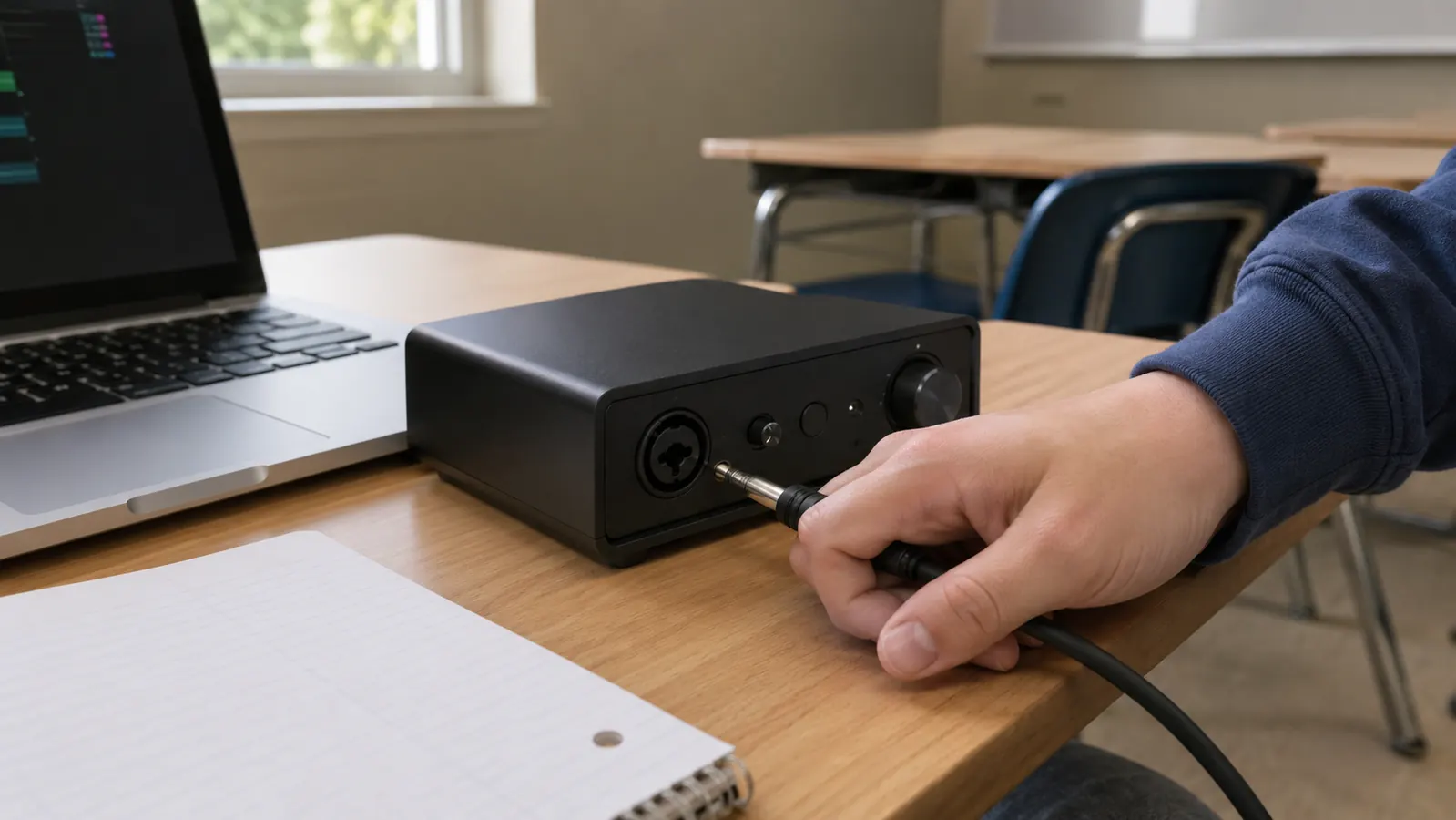
Then there is the physical thing. The Solo is small, light, and genuinely portable; mine lives in a side pocket of my gig bag. The front panel explains itself: one knob for the mic, one for the instrument, and a halo light that turns from green to red when you are about to clip. USB-C means one modern cable, included in the box, and no reaching for an old printer-style lead. For a student setting up on a kitchen table, that ease of use is most of the battle.
The bundled software tips the same way for most people. Focusrite ships Ableton Live Lite, which is a real recording program and a legitimate start for anyone who might want to make beats later, plus a generous plugin pack, so a beginner has reverb, a compressor, and a few instruments on day one without spending another cent. As a teacher I think that matters more than any spec: the less a new musician has to figure out, the likelier they are to press record twice this week instead of once.
Where the PreSonus AudioBox 96 Wins
The AudioBox 96 wins the two situations the Solo structurally cannot handle, and I mean cannot, not does it slightly worse. First: two microphones at once. Its two combo jacks both take XLR, so a vocal mic and an acoustic guitar mic land in the session in a single take, which is how you actually record a singer-songwriter demo without bouncing passes together afterward. The Scarlett Solo has exactly one mic input, and its second jack is instrument only. If your plan involves more than one microphone, the PreSonus is not a close second, it is the only one of these two that does the job. Its monitor mix knob is another small win: you can blend the live input against the playback without touching the software.
Second: MIDI. The AudioBox 96 carries full MIDI in and out on its back panel. That matters more than the spec-sheet crowd admits, because a huge share of beginner keyboards and just about every drum machine still speak MIDI. I have students whose digital piano doubles as their controller, and the AudioBox lets them run the instrument into the computer and drive software instruments at the same time. The Scarlett Solo has no MIDI at all, so you would be buying a separate adapter. The PreSonus also usually lists for less at checkout, and its bundled Studio One Artist is a complete recording program you could keep using for years.
There is a third thing that deserves saying because it rarely shows up in a side-by-side: the AudioBox's design has been on sale, essentially unchanged, for well over a decade. It is the same interface that sat on countless bedroom-studio desks before this generation of students was born, and it is still on sale because it still works. That is a different kind of confidence than a brand-new revision of a popular product. The heavier body also shrugs off the bumps of studio life better than the Solo's lighter build, which is worth something when your interface lives on a shared desk.
Two mics at once is something the Solo simply cannot do, and the day a teenager's band walked in for a lesson is the day the AudioBox earned its corner of my desk.
Which One Survives a Year of Lessons
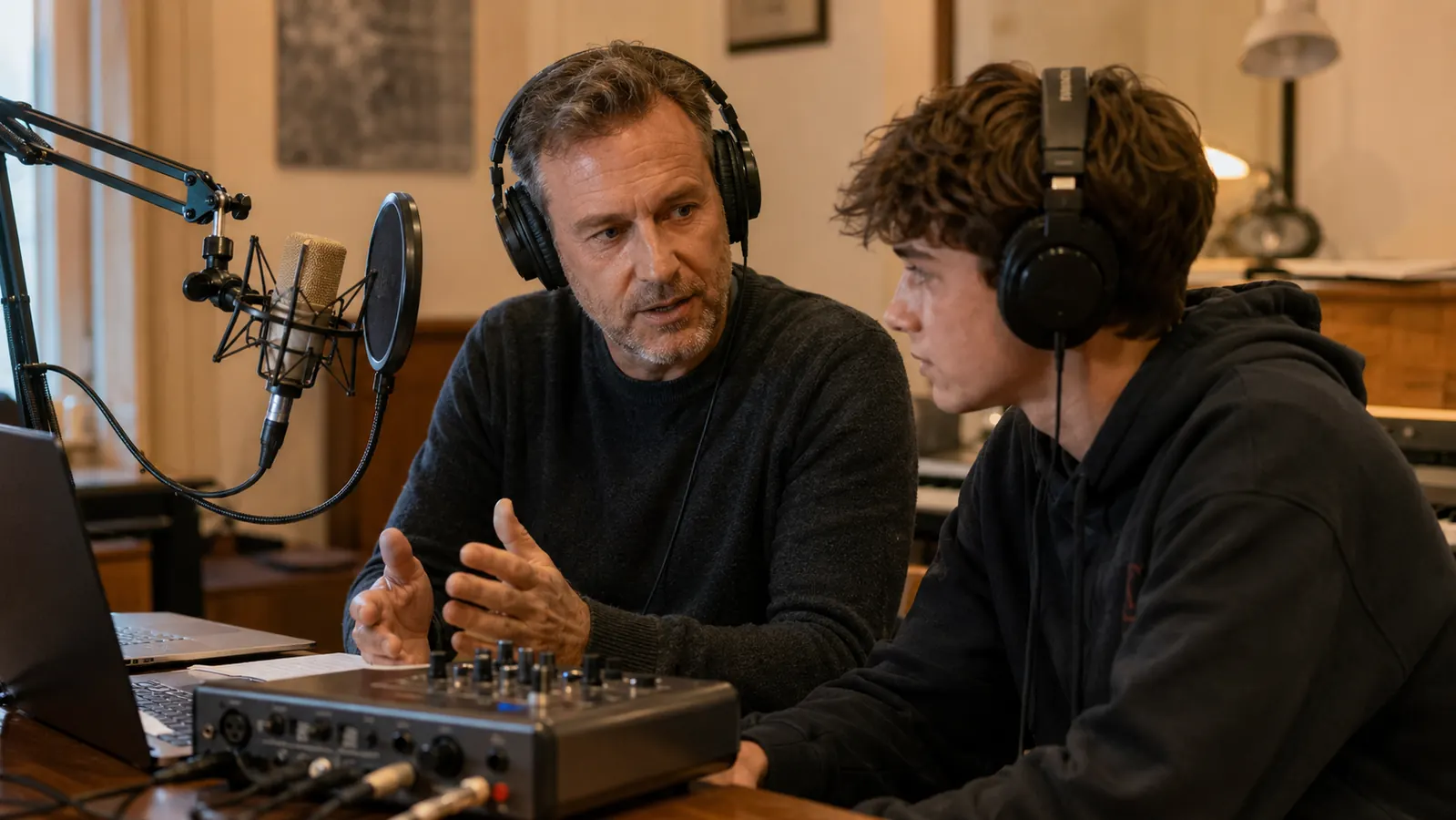
Both of mine have survived a full teaching year, but in different ways, and the difference is instructive. The Solo gets carried more and dropped more often. Its light body keeps it from breaking anything when it lands, and so far it has been fine; the halo lights are also a real teaching device, because students can see a clip coming before they hear one, which is the fastest gain-staging lesson I know. The AudioBox, by contrast, has lived on one desk all year. It has never been dropped, because nobody picks it up; it simply sits there and works, and the mix knob has made every headphone session I run on it easier.
For my money the durability question is really a use question under a nicer name. A student who records in one place with one setup will be equally happy with either. A student who carries an interface between practice spots, or to a weekly lesson, will appreciate the Solo's weight and its USB-C cable. A family sharing a desk, with cables getting yanked around, will appreciate how much punishment the AudioBox takes. Neither box is fragile; they just sit at different points on the same scale.
Start with the interface that handles a first lesson by itself
If one mic and one instrument is your setup, the Scarlett Solo cleans up on tone, gain, and day-one ease, and the bundled plugins make the first month fun instead of frustrating. That is the box I hand to students.
Amazon Check Today's Price on Amazon →Who Should Buy Which
Buy the Focusrite Scarlett Solo if your whole setup is one microphone and one instrument. That covers most of my students: a singer, a guitarist, a keyboard player recording line in through a single input who does not need MIDI. You get the cleanest preamp in the class, the simplest panel, the smallest footprint, and a bundle of plugins that makes the first month of recording genuinely fun.
Buy the PreSonus AudioBox 96 if either of its two edges is actually your situation: you already own a keyboard or drum machine with MIDI ports, or you intend to record two microphones in one take. It usually costs less as well, and Studio One Artist means you can begin and finish a project inside the box you just unpacked. If neither of those describes you, the Solo is the better buy, and the AudioBox's spare inputs will mostly sit unused.
The Bottom Line
One honest word to end on: you cannot make a bad call here. These are both entry-level interfaces that record cleanly and hold up in weekly use, and either one will carry a student from a first demo to a finished song. I would rather a new musician bought either of these and started recording tonight than wait one more month hunting for a perfect one. If you want the longer story on the Solo, my long-term review of it is on this site, and if you are still wondering whether recording is worth the setup at all, the piece on why every musician should record their practice is the one that convinced half my students to start.
What this comparison really decides is which of their differences you will actually use. If you are a singer-songwriter with one mic and one guitar, the Scarlett Solo's clean gain, Air mode, and foolproof front panel win your situation. If you touch MIDI at all, or ever want two mics in the same take, the AudioBox 96 is the box that fits the setup you are already headed toward. Answer that one question about your own gear, and the choice answers itself.
My pick for most students: the Scarlett Solo
For one mic and one instrument, which is how most musicians start, the Scarlett Solo is the interface I keep recommending and the one I teach with. Check today's price on Amazon and see which of the two fits the gear you already own.
Amazon Check Today's Price on Amazon →