
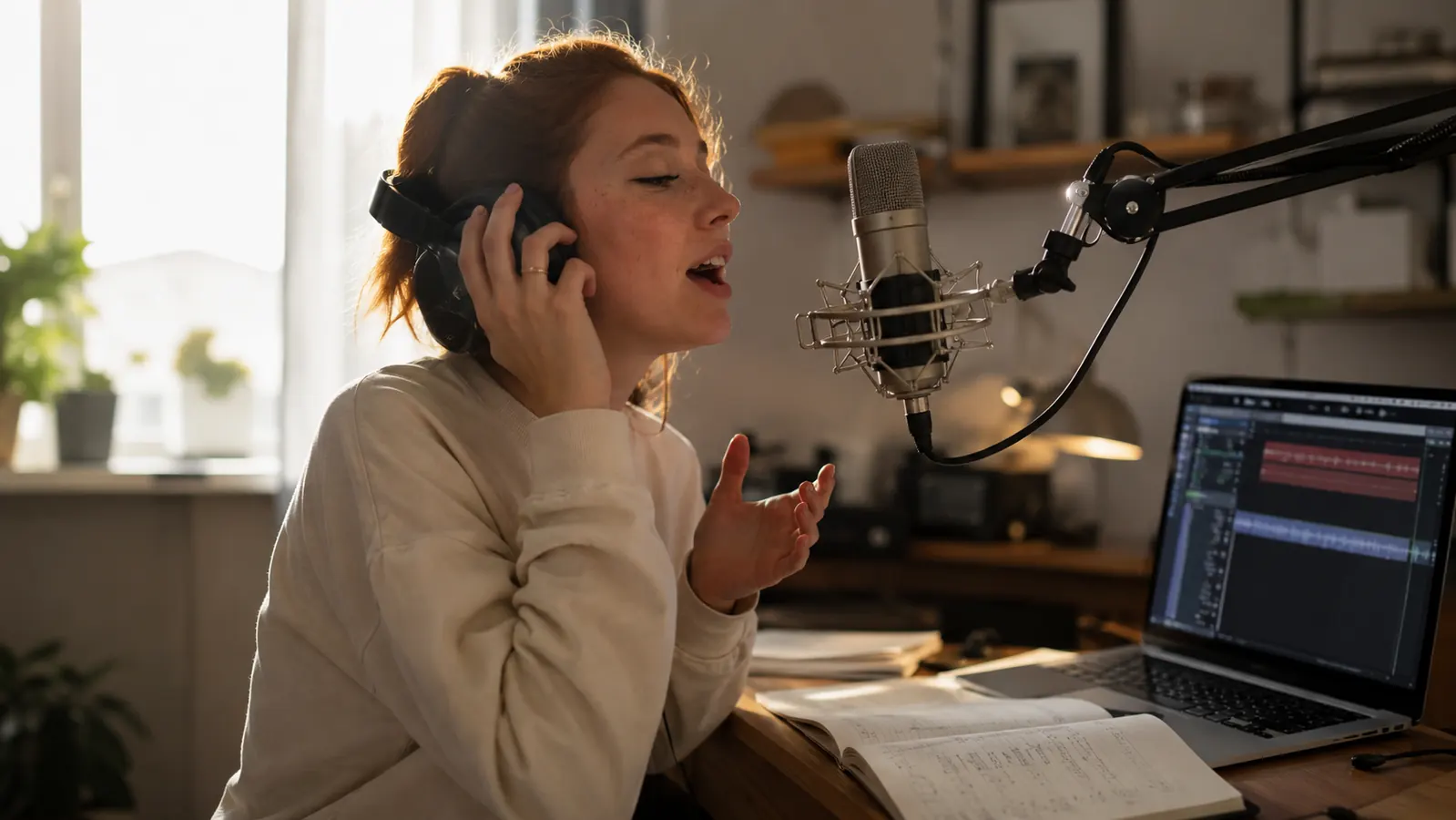
I have recommended the Focusrite Scarlett Solo to more people than any other piece of gear I own. I teach guitar and keys six days a week, and over the past year I have recorded student lessons through this interface more often than I have played live. The marketing calls it the world's best-selling audio interface, and I am not in a position to argue with that. Which is exactly why this review skips the usual praise and goes looking for the parts nobody mentions.
The honest version is that the Solo is not one product trying to be two things. It is a very good one-microphone recorder wrapped in packaging that reads like a full studio. Most of the buyers who love it never hit the ceiling, because they record one mic at a time and that is all they ever needed. The buyers who end up disappointed are the ones who needed two microphones and did not find out until after the return window. Both groups learn the same lesson below.
None of what follows is meant to talk you out of the Solo. It is the interface I recommend most, and I mean to keep recommending it. But a review that only lists virtues is a brochure, and the honest reviews are the ones that tell a buyer where the box will disappoint them, so the decision gets made eyes open instead of after the fact.
The Quick Verdict
The Scarlett Solo is genuinely excellent at exactly one job: recording a single microphone clearly. Buy it only if that job is yours.
Amazon Check Today's Price →If your recording is one voice or one guitar at a time, the Scarlett Solo is the honest pick.
I recorded a year of student lessons through mine before writing this review. One mic, one source, clean and reliable.
Amazon Check Today's Price on Amazon →How I've Used It
For context, my home studio is a converted spare bedroom with a desk by the window. Most weeks I record seven or eight lesson playbacks: a student singing over a backing track, a guitar student playing a piece back to me, occasionally a full song demo for the weekend cover band. Everything runs through the Solo into a laptop on free software, and students take the file home to practice against. I also pack the entire rig into a gig bag every Friday and set it up again Sunday, so this interface has been handled far more roughly than the one sitting on your desk.
That routine is why this is an honest review and not a spec sheet. I have heard every one of its quirks in real sessions: the singer whose voice clipped on the first note, the duet I tried to capture with one microphone, the plug-and-play that turned into a driver install on a Windows laptop. The Solo is not a perfect device. It is a device I keep recommending, and the two statements are not in conflict.
I have also taken two direct electric guitar takes through the instrument input, the high-impedance jack on the same face. Both came out clean enough to use in a demo, which told me the preamp and the direct input share the same honest character and that the front end is genuinely quiet. My Friday ritual is the same every week: unplug the Solo, coil the cable, drop both in the gig bag's front pocket. On Sunday it comes out and works on the first try, no reinstall and no questioning. That consistency is the quiet half of why the phrase best-selling survives contact with real studios.
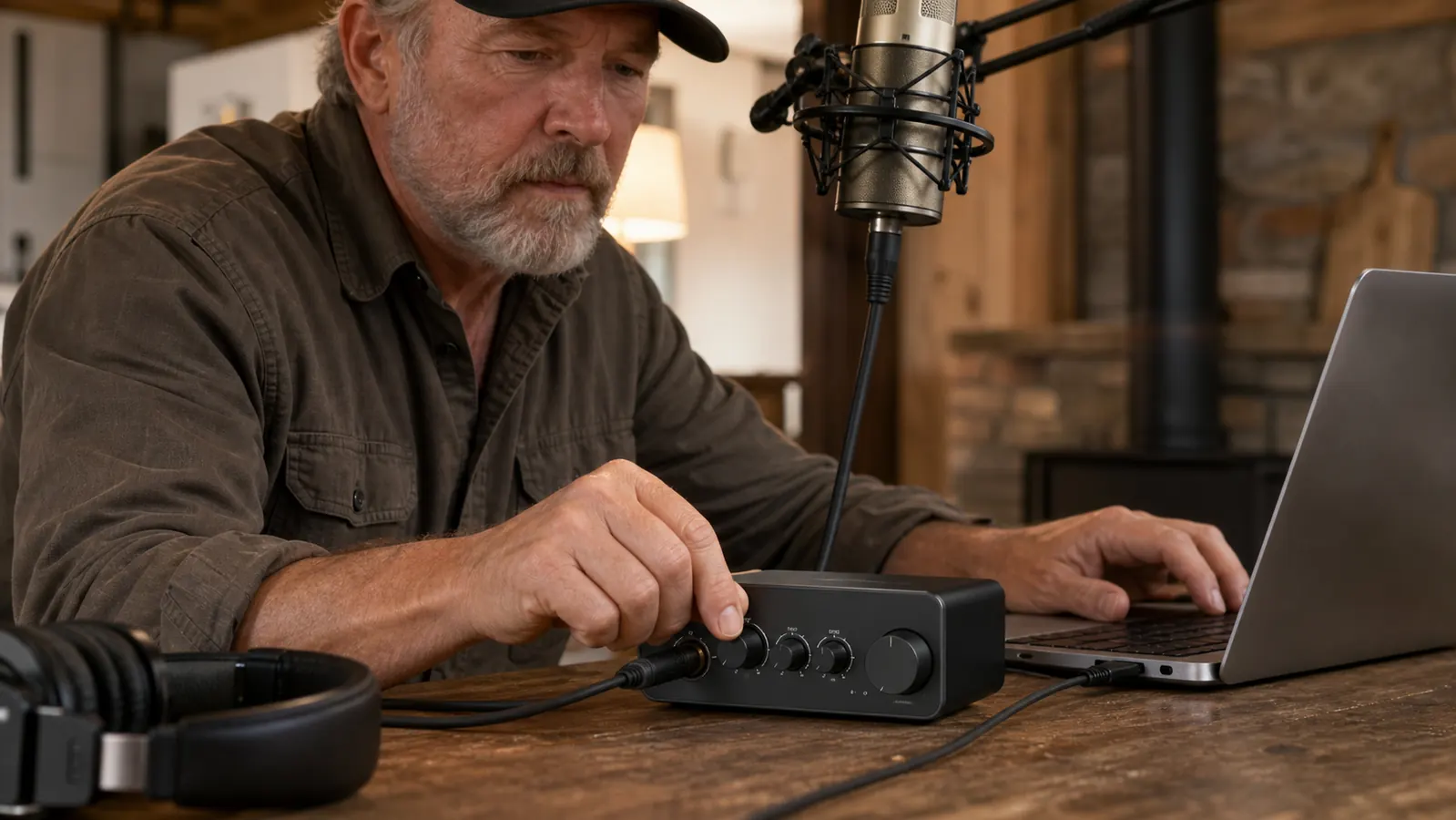
Downside One: The Solo Means One Microphone, and That Is a Hard Ceiling
The Scarlett Solo has exactly one microphone input. You cannot record two voices, a voice and a guitar on separate mics, an interview, a duet, or a simple stereo pair. The second your session needs a second microphone, the Solo is the wrong interface, and no amount of software makes it right.
The reason this is the part nobody mentions is that the listing, the unboxing videos, and the Focusrite product page all lead with two inputs: one XLR microphone jack and one instrument jack. The instrument jack is not a second microphone input. It is a high-impedance guitar jack, meant for a direct electric guitar or bass. A beginner reads two inputs and hears a machine that records two people, and that is simply not what the Solo does.
In my studio this bit me exactly once, at a December rehearsal when two students wanted a playback of their duet. We recorded each voice on its own take and I joined them together afterward. It worked, and it is also exactly why my next interface will be the two-input model the day this one retires. If you can already see a second microphone in your future, skip ahead to who should skip this one, because you are reading about the wrong box.
For most of what I do, the single mic is plenty. A voice lesson, a guitar playback, a practice diary: one input, one student, zero fuss. It is only when a session grows a second person in the room that the ceiling shows, and that is the moment buyers wish they had read a review made of parts nobody mentions.
Downside Two: Auto Gain and Air Mode Are Helpers With Opinions
The fourth generation added a one-press auto gain feature and an Air setting. Auto gain listens to your source and sets the input level for you, while the LED ring around the gain knob shows the incoming level at a glance. For a parent setting up a child's first home recording, this is a genuine gift: it turns a confusing dial into a button.
The honest catch is that the helper has bad judgment on two kinds of sources. Loud plosive vocals, the kind of B and P sounds that pop a condenser mic, can arrive with more level than your final take wants. Very quiet and soft-spoken singers make the feature reach for more gain than the preamp noise floor deserves. I have learned to let auto gain land in the right neighborhood, then nudge the dial down a few degrees for singers and up for quiet guitar players. Air mode, which adds a high-frequency lift to the microphone input, sounds great on some voices and brittle on others. It is a taste setting, not an enhancement. Switch it on, listen on headphones, and decide before you commit a track.
Downside Three: The Setup Wall and the Lite-Everything Bundle
Nobody mentions the setup because it is a solved problem on a Mac. Plug in the USB-C cable and the Solo just appears. On Windows it is a different story. The interface needs the Focusrite driver installed first, the machine wants a reboot, and the order of those steps matters. It is a ten-minute detour that every Windows buyer discovers in the comments section, never in the marketing. To Focusrite's credit, the driver itself is kept current and the wall is paid once, but it is never billed upfront.
The second surprise is the software. The Solo ships with a bundle of lite versions: Ableton Live Lite, a pair of Focusrite recording apps, and a few plugin trials. Live Lite is a real DAW, and it is genuinely enough to record a first song. It is also limited to a smaller track count than the full version, and each piece of the bundle needs its own account and activation. For a student it is enough. For someone who already owns a full DAW, the bundle is wallpaper, and a slice of what you pay goes to software you will never open. The value math still comes out fine, but this is not the everything-you-need bundle the box copy implies.
Downside Four: The Tiny Controls That Bite in a Hurry
The last honest complaint is the small stuff, the controls you only meet once you live with the box. The Solo has a single Monitor button that decides whether your headphones hear the direct microphone signal or the software playback. That is fine for one person. It does mean you cannot blend your voice and the backing track at separate levels in your own ears the way a larger unit lets you, and a student who is used to hearing themselves a certain way notices the difference fast.
Phantom power, which every beginner condenser needs, lives on the back of the unit as a small push button. It is easy to bump when you reach behind to swap a cable, and a condenser that loses 48V mid-session just goes quiet with no warning. I have learned to check it before every lesson. The LED ring around the gain knob is also your only metering: there is no screen and no separate level bar, so you are reading a colored ring when you really want numbers. None of these are deal-breakers. They are the details that only surface after the honeymoon, which is exactly what this review is for.
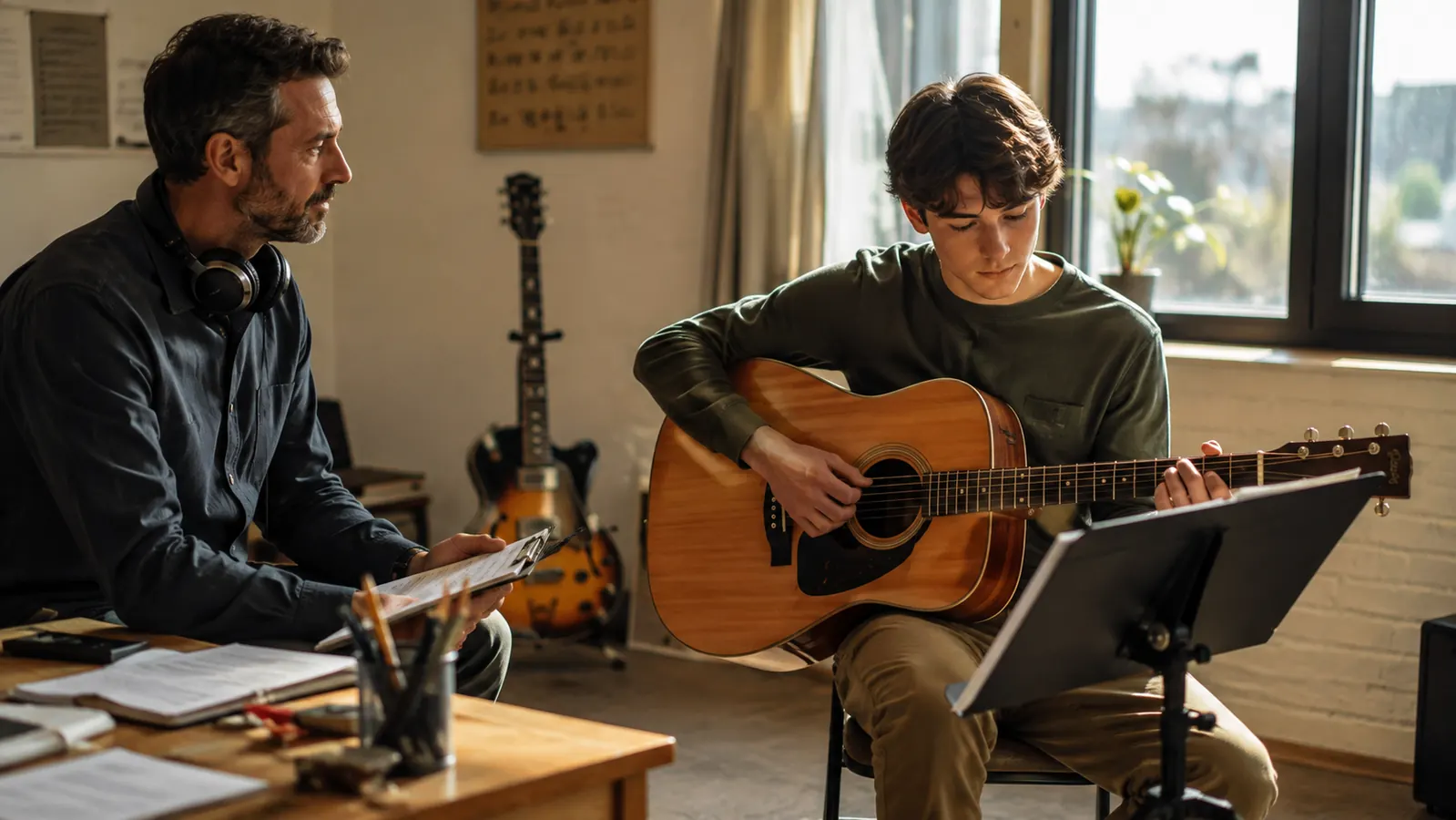
The Three Wins That Keep Me Recommending It
First, the preamp. The microphone input on the Solo is quiet and honest, with very little of the hiss cheaper interfaces add when you push the gain. In a year of weekly recordings I have never once had to clean up a noise floor in a mix, including the quiet speakers for whom I turned the gain up hard. That matters more than buyers realize, because recording quality is decided at the input, and the Solo input is exactly why the best-selling claim holds.
Second, reliability. I unplug and repack this interface every Friday for a gig and set it up again on Sunday, and it moves between my desk and the student station during the week. It has survived a year of that without one dropout, one failed handshake, or one freeze. Twice the laptop updated its operating system overnight and I braced for a fight the next morning; the Solo was simply still there, still recognized, still recording. I cannot say the same about the cheaper interface I used the year before it, which I gave away out of frustration.
Third, how little it asks of a beginner. One cable, one free DAW from the bundle, and a one-press level helper mean a first recording session works the first time. I have set up two students' home rigs on this exact unit, and both were recording playbacks within the hour. For a parent buying the first interface for a kid's practice habit, that is the whole job.
The Alternative I Would Choose Instead
If the one-mic ceiling worries you at all, the honest answer is to step up to the Focusrite Scarlett 2i2, the two-mic sibling. Same preamp character, same drivers, same bundle, and two real microphone inputs. It costs more, and it is the right buy for anyone who records duets, two-voice lessons, or interviews.
I have also recorded through the PreSonus AudioBox and a MOTU M2 at other studios, and both are respectable. The AudioBox is the closest budget competitor and its two inputs come cheaper; the M2 is the clear step up in metering and build. For most of my students the Solo stays right, because they record one source at a time. The decision is not about brand loyalty. It is about how many microphones your actual sessions need.
What I Liked
- Clean, quiet preamp that captures voice and guitar honestly, with no noise-floor cleanup in a year of recordings
- Rock-solid drivers: weekly unplugging and repacking with no dropouts, failures, or freezes
- Auto gain and the LED ring make a first recording session work for a complete beginner
- Small footprint, USB-C with the cable in the box, and it powers itself off the laptop alone
- The bundled beginner DAW is genuinely enough to record a first song
Where It Falls Short
- Exactly one microphone input, and the instrument jack is not a second mic
- Auto gain overshoots loud plosives and over-reaches on very quiet speakers
- Windows needs a driver install plus a reboot, and each lite app needs its own account
- No MIDI ports and no way to add a second mic input later
- The LED ring is the only metering, and the 48V switch on the back gets bumped
Who This Is For
The Solo belongs to the musician recording themselves: a singer practicing covers at home, a guitar player laying down song demos, a parent setting up a kid's first vocal session, a student who wants to hear a playback after lessons. It is for anyone who records practice or lessons one person at a time, and the low cost of entry is part of the reason it stays on my recommendation list.
The giveaway is whether you have ever finished a session and wished two mics had been in the room. If that has never happened to you, and you cannot picture it happening, the Solo is your interface. If you flinched reading that sentence, buy the bigger one instead.
The Solo records one microphone beautifully. The moment your lesson needs two, you have the wrong interface, and nobody puts that on the box.
Who Should Skip It
Buy the two-input model instead the moment your sessions need two microphones in the same room: two singers, a voice and an amp, an interview, a duet. Skip the Solo too if you run a hardware synth or drum machine, because it has no MIDI ports at all, though most modern keyboards connect by USB, which softens that loss. The non-negotiable test is the microphone count. One input means one singer, forever, and the lower price is only a bargain if that limit never bites you.
So here is my honest verdict after a year with mine. If you record yourself, one clean mic at a time, the Scarlett Solo is a four-and-a-half-star tool with three stars of marketing wrapped around it. Filter out the gloss and you are left with an interface I would buy again tomorrow, and the one I point parents to in person before our third lesson. Curtis Langley, signing off from the teaching studio.
Count your microphones, then decide. If the answer is one, this is the interface.
The same model I recommend to parents in my studio every month, after a full year of weekly recordings through mine.
Amazon Check Today's Price on Amazon →